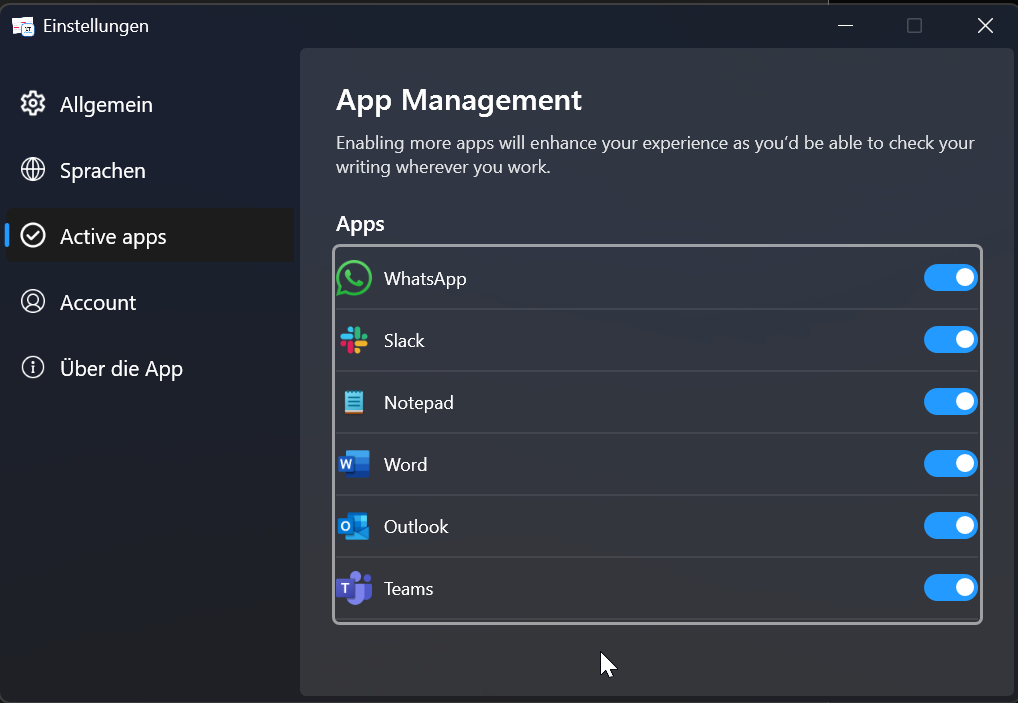
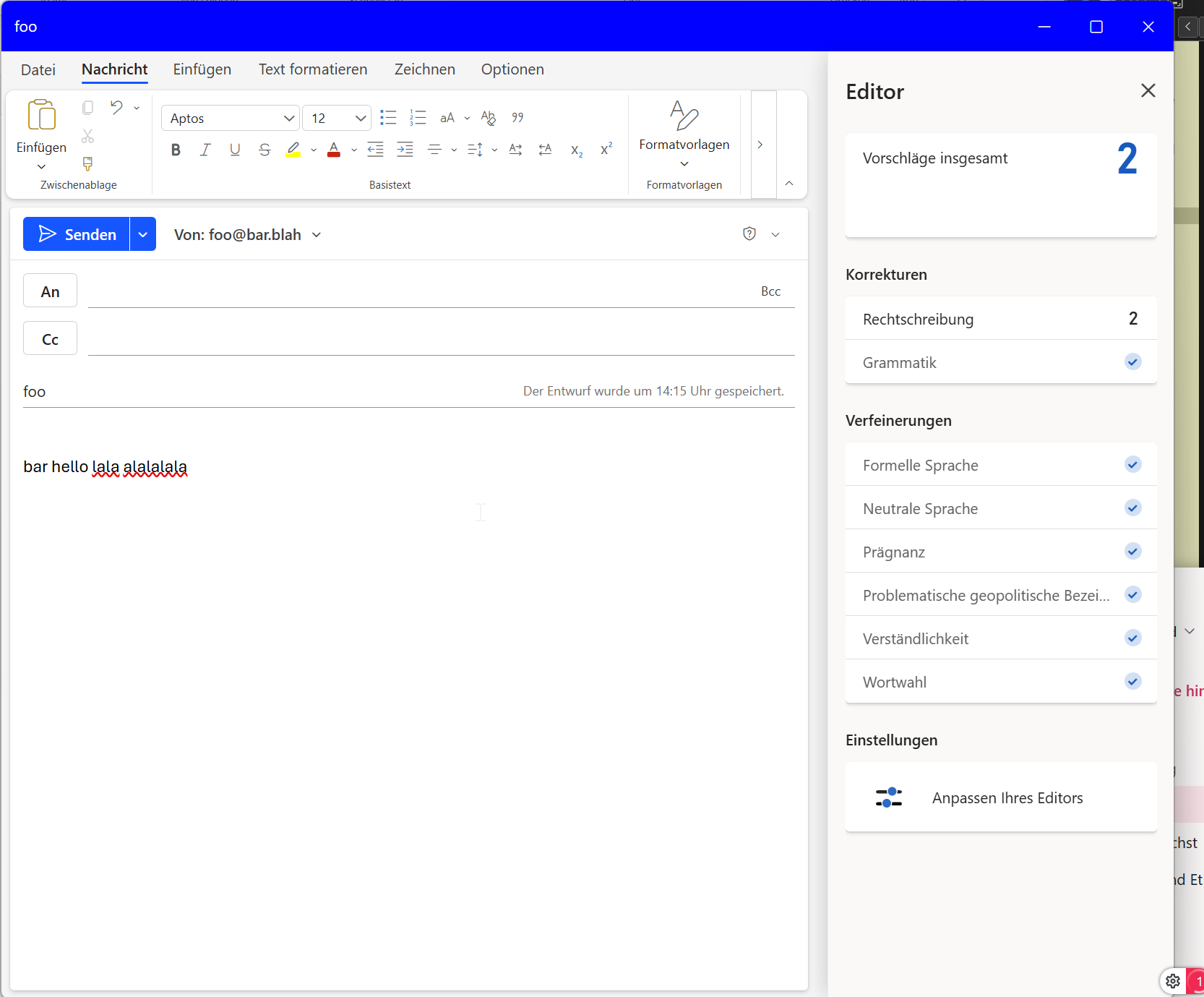
I can’t get LT to work in the version of Outlook I’m using. It’s on Windows 11, and the version number is:
Microsoft Outlook-Version: 1.2025.1111.100
Clientversion: 20251114001.20
WebView2-Version: 142.0.3595.94 (Stable)
Apparently I should see an LT icon in the toolbar, but I don’t. And whenever the Outlook window is active, the LT tray icon changes to the paused state (showing a || symbol within the icon):
This is still the case. @LanguageToolSupport what can I do? Outlook is the most important usecase for me and the fact that the integration does not work for me is really bad.
It works in Mac OS by the way, but not in Windows 11.
Thank you for coming back to me. I’ve updated to the latest version, 1.4.7.0. Unfortunately, it still does not work. But a small detail has changed. Instead of the tiny “Pause”-Icon within the LT tray icon, now a red dot appears when a new email window of Outlook is focused. I guess what I want is this icon to be green?
Hi Riccardo,
We understand your frustation here. We would love to understand it better on your machine. Will it be possible for you to get on a call to understand the issue better?
Yes, a call would be possible. I got it to work in part somehow by now. LT can see the text and underlines the wrong stuff after a while. I think I was a bit confused, as it always takes a while until the detection is done, and Outlook’s native correction worked instantly. What I’m still missing is the Editor with suggestions. I can open the Editor, but I think it’s Outlook’s native editor and not the one from LT.
my timezone is UTC+1 (Germany). How about 2026-02-26, at 14:00 (2pm).
Something else which just happend now is that the auto update for the windows app does not really work. I had v1.5.0.0, and the app told me an update was available. I agreed to update, but it did not update after it restarted itself. It was still 1.5.0.0. I tried two times. After manually downloading the installer I now have v1.5.1.0