Hello everyone, I’m having the same problem. I get the same message. I followed the procedure correctly and my internet connection is working normally. I open a document and after a few seconds (15 to 30 seconds) the window appears. This doesn’t seem to prevent the software from working. In addition, I also notice slowdowns during correction. And if I disable LanguageTool and switch back to local correction, it’s instantaneous. It’s a real shame. I didn’t renew my Druide Antidote subscription in favour of LanguageTool, but I’m starting to regret it. I use LibreOffice 25.2.7.2 with Arch Linux.
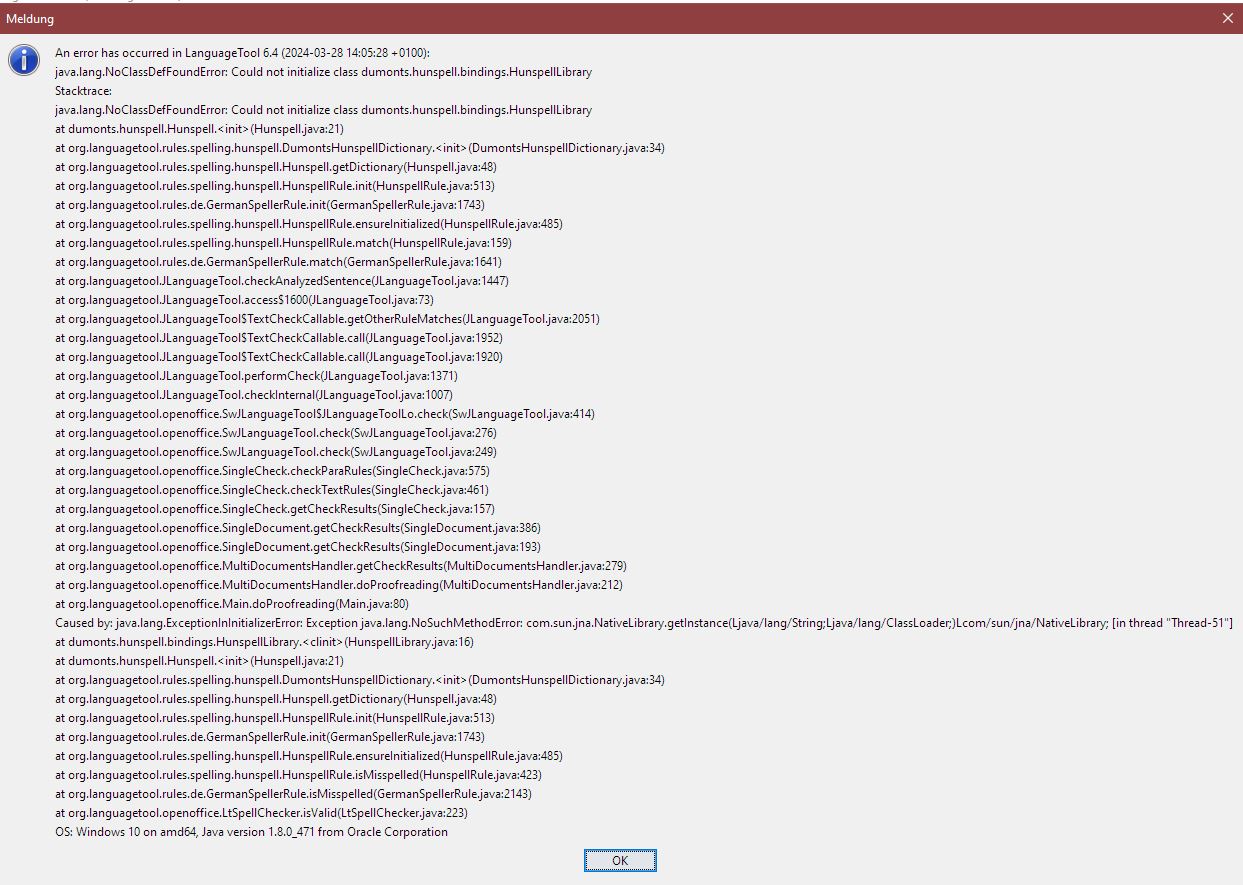
Every time I start LIbreOffice Writer an move my mouse cursor, I get his error window. I checked all settings, they are set accordingly to the steps provided on the LT website. After clicking OK i have some time left to write my text and after a while or when doing copy & paste of text, thi error window opens again. It is quite frustrating having a premium account as a student who has to write many essays and papers and who requires LT on a daily basis, that does not work properly. Has any one a step by step procedure on how to get rid of these messages and solve the problem?
I can recommend you to use the WritingTool extension. That should work also with the premium account.
1 Like
SOLUTION: On the LanguageTool website the base URL is this one with a slash at the end: https://api.languagetoolplus.com/v2/ but in LibreOffice, you need to remove the last slash like this: https://api.languagetoolplus.com/v2
Thank you for this awesome tip!!! This extension works like a charm (at least for my 1d trial, let’s see long term, as the original problem sometimes occurs and sometimes not).
For me, the problem sometimes occurs and sometimes not… If I remember correctly, I tried that (without the last slash), too. Similar to your observation, it seemed to work after the chance, but the problem occurred again, later. I’m curious if this will happen to you, too.
My solution till now is to stick to the extension ajoe04 suggested.